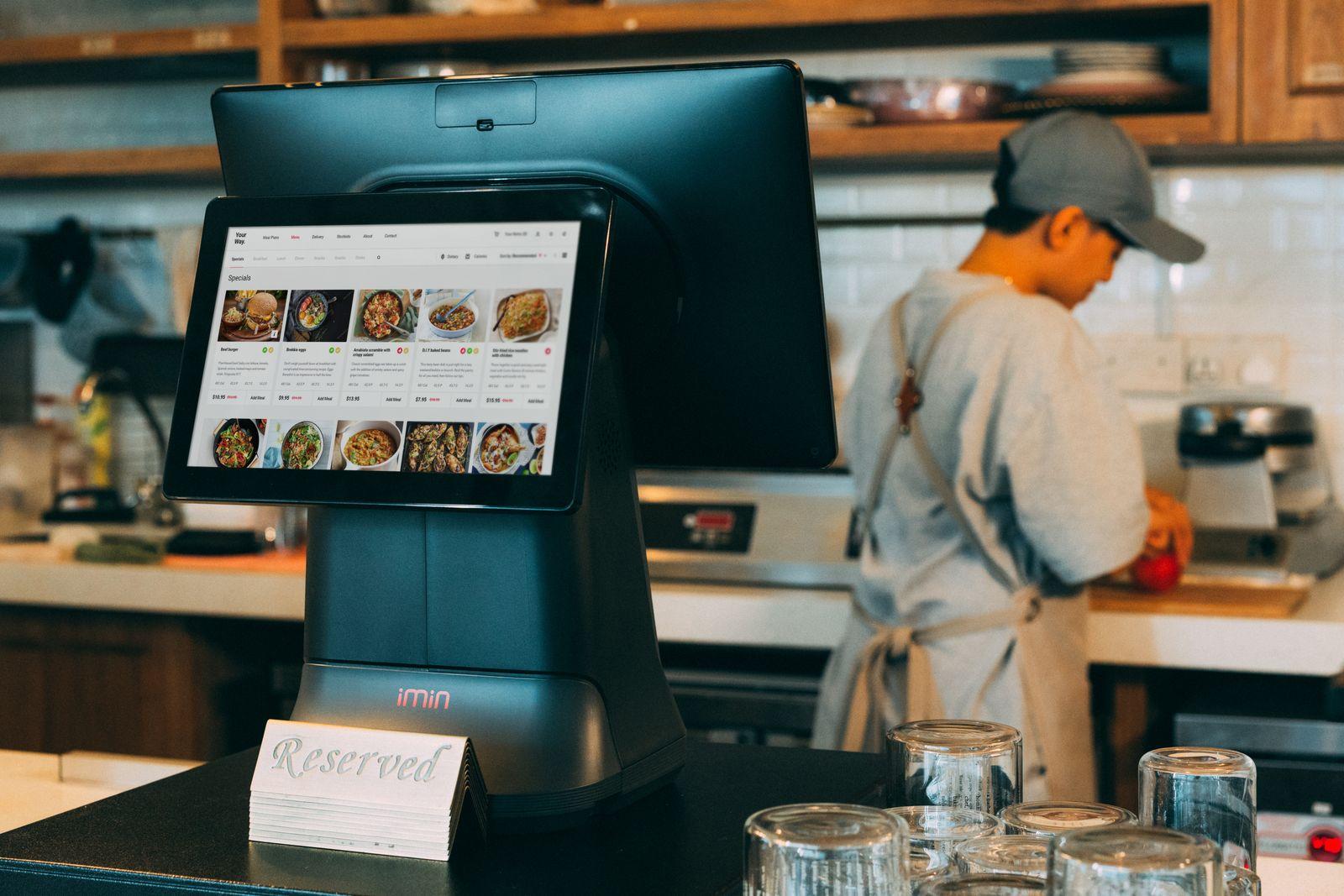
POS and Kitchen Display Financing for Restaurants
7 min readIllustrative guidance—not an offer
Point-of-sale terminals, kitchen display screens, printers, and networking gear form the nervous system of a modern restaurant. When they fail on a Saturday night, orders stall, tickets disappear, and tables walk out. Hardware costs more than most owners expect, especially across several stations and a second location. This article covers what technology hardware can be financed, how to separate it from software subscriptions, how to budget for cabling and support, and how to scale a standard package across units with deals running from $10,000 to $1,000,000 or more.
Hardware vs. software
The first step is to divide the technology budget into hardware you buy once and software you pay for monthly. Terminals, tablets, kitchen display screens, receipt and ticket printers, cash drawers, card readers, routers, switches, and wireless access points are tangible assets with serial numbers. They fit an equipment note when they appear as line items on a vendor quote.
Software licenses, payment processing, online ordering fees, and loyalty subscriptions are operating costs. They typically stay on your monthly budget instead of the note, although some vendors bundle a first-year license into a hardware price. If your quote does this, ask for the hardware portion to be stated separately so the financed amount reflects real equipment.
A practical test is simple: if you could unplug it, carry it out, and sell it to someone else, it is probably hardware. If it only exists as a login, it is not.
What a typical package includes
A small counter-service concept might need two terminals, one customer-facing display, a kitchen screen, two printers, a router, and a cash drawer. A full-service restaurant with a bar might add handheld tablets for servers, a second kitchen screen for expo, a separate bar printer, and a back-office computer.
Count stations, not seats. Each place where an order is entered, prepared, or paid needs hardware. Floor plans help here, because walking the guest journey from the host stand to the table to the bar to the kitchen reveals where devices belong.
Do not overlook ruggedization. Kitchen screens face heat, grease, and splashes, so commercial-grade enclosures and mounting arms are worth the premium over consumer tablets.
Illustrative costs
Hardware prices depend on brand and ecosystem. A countertop terminal with a stand typically runs $900 to $2,500. A kitchen display screen costs $800 to $2,000 with a mount. Thermal receipt printers run $250 to $600, and kitchen impact printers about $350 to $700. Handheld devices cost $500 to $1,200 each, and a commercial router with managed switches and access points can reach $1,500 to $5,000.
A five-station package for a mid-size restaurant often lands between $12,000 and $35,000 including cabling and installation. A multi-concept group or a hospitality venue with a dozen stations, back-office servers, and digital menu boards can exceed $100,000. Rolling the same standard to ten locations can push the total to $400,000 or more.
Financed over forty-eight months at an illustrative eight percent, a $25,000 package costs about $610 per month. Technology has a shorter useful life than refrigeration, so shorter terms usually fit better than the eighty-four-month terms common for heavy kitchen assets.
Cabling, network, and installation
Reliable systems depend on the network behind them. Hard-wired Ethernet to fixed stations is more dependable than wireless, and a dedicated network for point-of-sale traffic reduces the risk that guest Wi-Fi congestion slows payments. Budget for cable runs, patch panels, and a small rack or wall-mount enclosure.
Installation labor is a legitimate part of the project when it is itemized. Mounting screens, configuring printers, and testing the connection to payment terminals take hours, and a technician on site during the first service shift prevents most launch problems.
Plan for power as well. An uninterruptible power supply on the main terminal and the router protects against brief outages, and surge protection guards against the electrical spikes that follow kitchen equipment starting up.
Multi-location rollouts
Standardization saves money and time. Choosing a single hardware model for all stations lets you keep spares, train staff once, and swap a failed device within minutes. Negotiate volume pricing with the vendor, and ask whether warranty replacement is advance-ship or return-first.
Staging is the secret of smooth openings. Have devices configured, labeled, and tested in a central location before they ship to the new site. A kit that arrives ready to plug in reduces installation time from a day to a couple of hours.
Document the standard in a short specification: model, quantity per station type, cabling layout, and the vendor's support contact. That specification becomes the template for each new site and helps a funding review compare costs location to location.
Support, warranty, and refresh cycles
Hardware warranties usually last one to three years, and extended coverage is available for terminals and screens. Weigh the cost of an extension against the cost of keeping a spare unit on the shelf. For a small restaurant, one spare terminal often provides better value than a premium support contract.
Think about refresh cycles when you choose a term. Many operators replace point-of-sale hardware every five to seven years as software requirements evolve. A forty-eight or sixty-month note aligns payments with the period in which the hardware is fully useful.
Keep an inventory with serial numbers, purchase dates, and warranty end dates. That list simplifies insurance claims and helps you plan replacements before failures occur.
Testing before opening night
A technology launch deserves a dress rehearsal. Run a mock service with staff entering realistic orders, sending tickets to the kitchen, splitting checks, applying discounts, and closing out the drawer. Each of those tasks exercises a different part of the system, and problems discovered at a rehearsal are inexpensive compared to problems discovered with a full dining room.
Test failure modes as well. Unplug the internet for a few minutes and confirm that terminals continue to take orders in offline mode. Reboot a kitchen screen mid-service and see how quickly tickets reappear. Staff who have seen the system recover calmly are far less likely to panic when something goes wrong during a rush.
Finally, record the results. A one-page log of what was tested, who tested it, and what was fixed gives you a reference for future locations and helps the vendor diagnose recurring problems.
Training and adoption
The best hardware fails if the team does not trust it. Schedule at least two training sessions before opening, one for managers who configure menus and run reports and another for servers and cooks who live on the screens all day. Short, role-specific sessions beat a single long lecture.
Print quick-reference cards for common tasks such as voids, comps, and re-fires, and tape them near each terminal for the first month. New hires also benefit from a practice mode that lets them enter orders without sending tickets to the kitchen.
Quote checklist
Use the following list when you collect quotes from technology vendors. A clear quote avoids back-and-forth and gives reviewers what they need to evaluate the equipment schedule.
- Hardware priced separately from software and processing fees.
- Model numbers and quantities for every device.
- Cabling, installation, and configuration labor itemized.
- Warranty terms and replacement process described.
- Delivery date aligned with your opening schedule.
- Contact for on-site support during launch week.
Frequently asked questions
Can monthly software fees be rolled into the note? Generally not, because they are services rather than collateral. Keep them in the operating budget and finance the hardware.
Is leased hardware from a software vendor a better option? Vendor leases can be convenient but may cost more over time and may restrict you to one ecosystem. Compare the total cost against buying equipment outright.
Can a small order qualify? Technology projects of $10,000 and up are common starting points, and larger packages for multi-unit groups are welcome.
How do I start? No credit check to inquire lets you share your quote and review structures before committing, and credit from 500 to 800+ FICO is considered once you submit a file.
Related guides
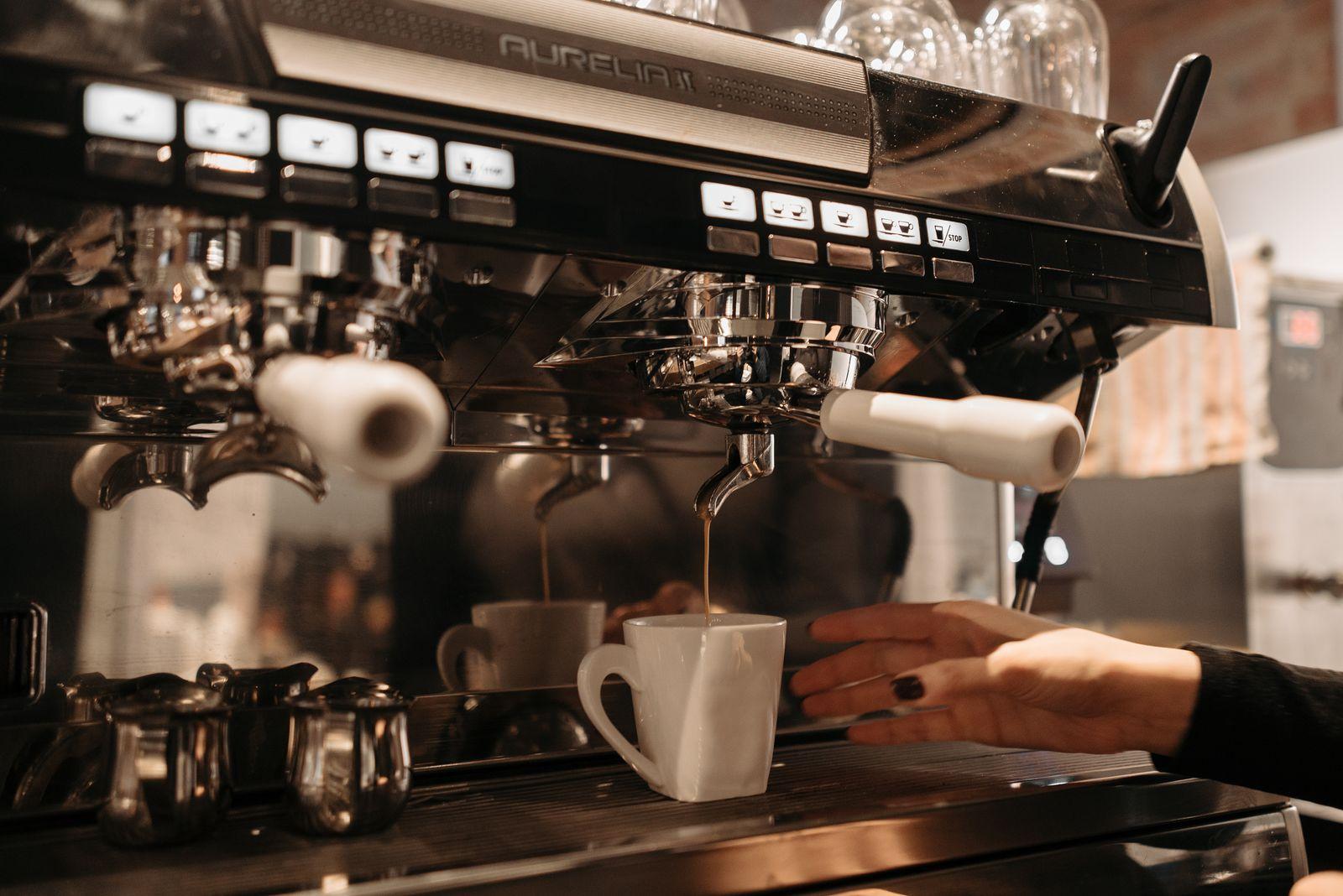
Espresso and High-Volume Beverage Equipment Financing
Finance espresso machines, bulk brew, and beverage bars for cafes and restaurants. $10k–$1M+. RestaurantEquipmentFinancing.org.
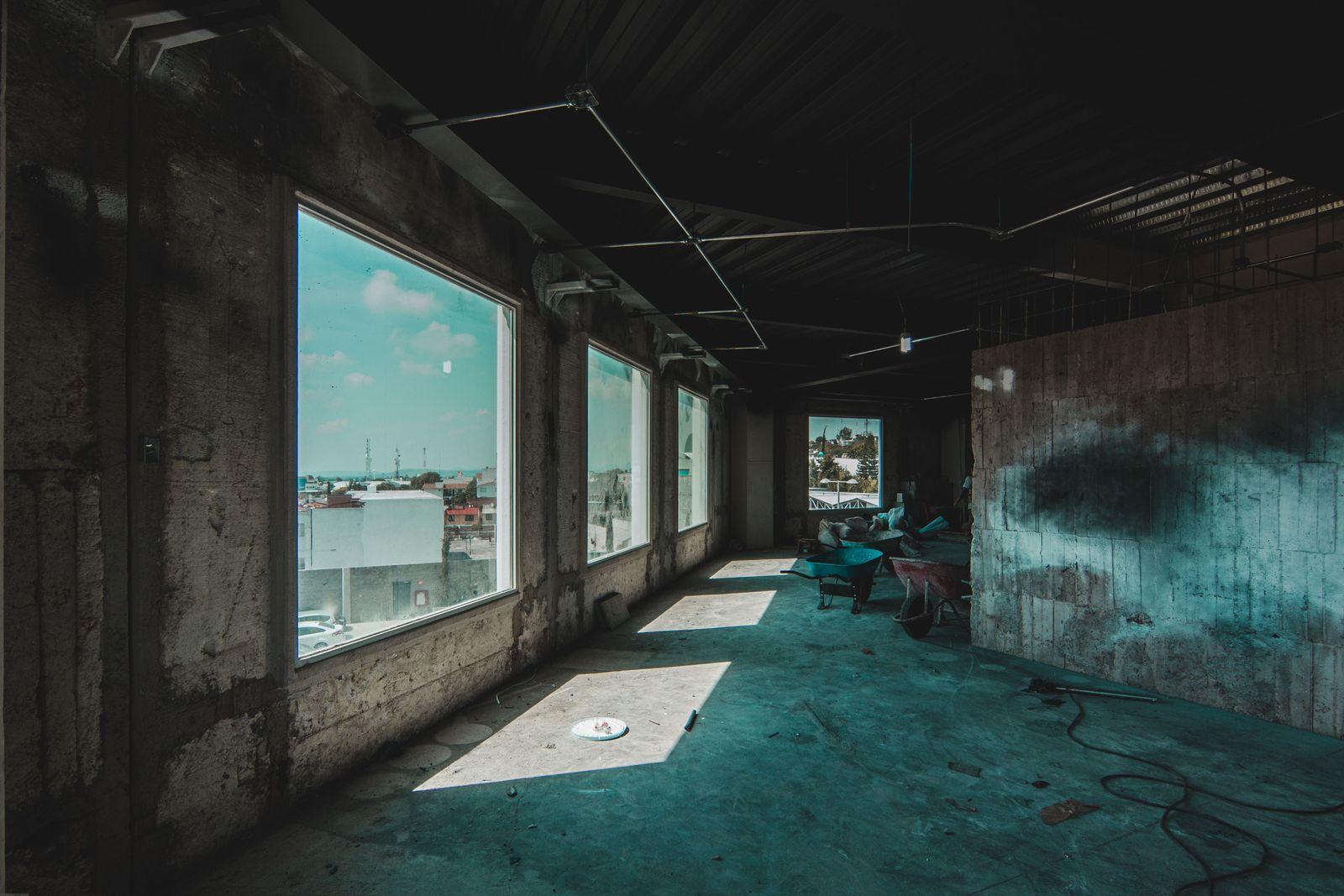
Second Location Equipment Rollout: Financing Unit Two
Finance equipment for a second restaurant location. $10k–$1M+. No credit check to inquire. RestaurantEquipmentFinancing.org.
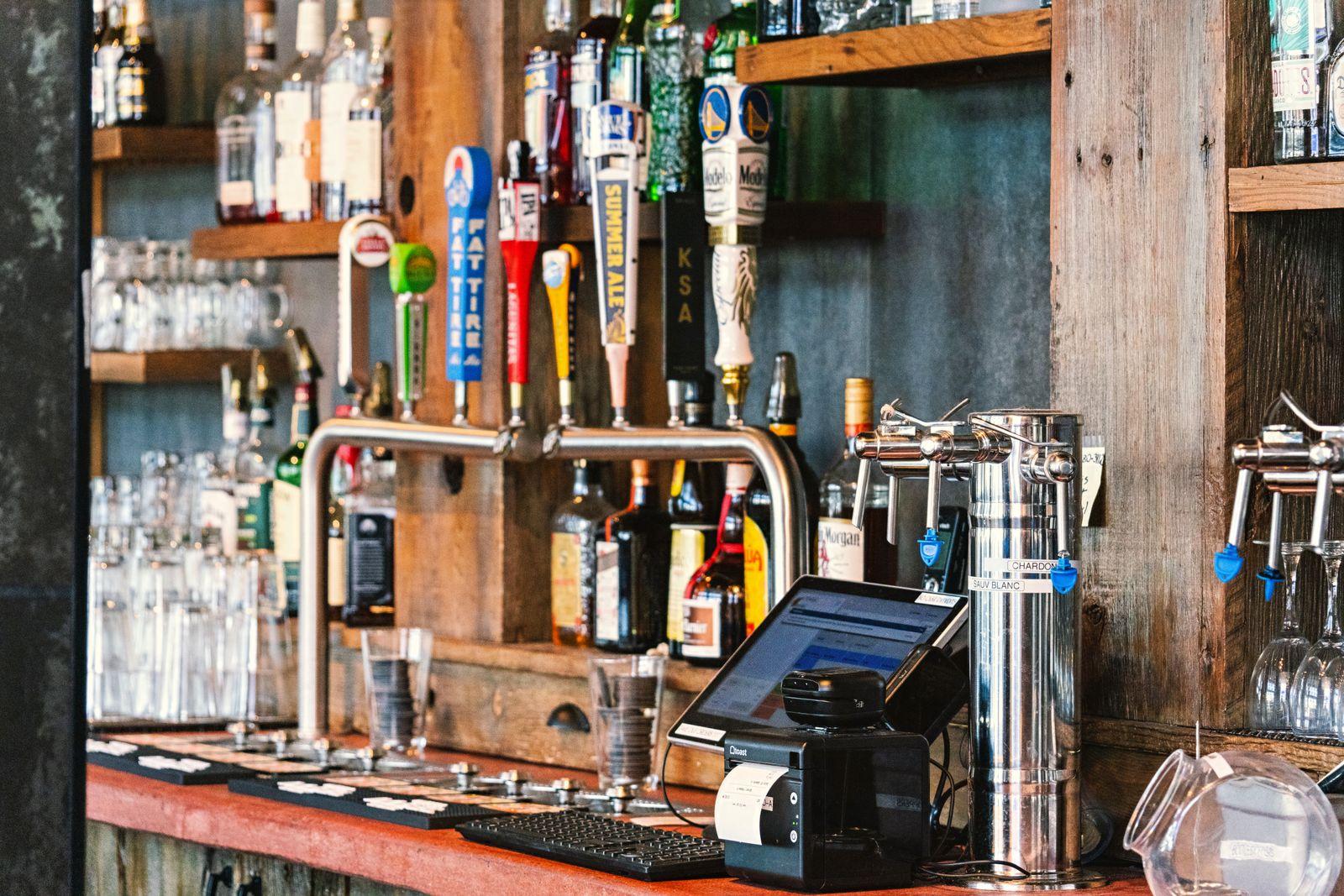
Bar Tap and Beverage System Costs: What Financing Can Cover
Finance draft systems, bar refrigeration, and ice machines. $10k–$1M+. No credit check to inquire. RestaurantEquipmentFinancing.org.